Free text-to-image workspace
Generate images from prompts in your browser. No account, no credit packs, and no paid Pro tier on this site — open the workspace and start.
Pollo AI: Free All-in-One AI Image and Video Generator
Free · No sign-up · Multi-model
Pick a model, write a prompt, then generate.
Result
Your image will show up here.
Generation runs on free public model hosts. Quality, speed, and availability vary. Switching models often fixes errors.
Overview
Perchance AI Image Generator is a free online text-to-image tool for creating images from natural-language prompts. Unlike product pages that hide the product behind sign-up walls, the full workspace lives on this homepage: choose a model, describe what you want, generate, and download.
People search for reviews, uncensored options, limits, and “how to use” guides because free AI image tools change often. Here is the straightforward 2026 picture: this site does not sell Pro plans or generation credits; reliability comes from multiple free public model hosts; and you can switch models when one path is slow or offline.
Whether you need concept art, character sheets, product mock ideas, or playful scenes, the workflow is the same — prompt, generate, iterate. Sample styles in the gallery below show the kind of looks you can aim for with clear prompting.
Features
Built for people who want a free AI image generator without accounts, credit meters, or a single locked model.
Generate images from prompts in your browser. No account, no credit packs, and no paid Pro tier on this site — open the workspace and start.
Run Z Image Turbo, FLUX, Stable Diffusion, Qwen Image, and more from one control panel. If one host is busy or fails, switch models and try again.
Pick common ratios (1:1, 16:9, 9:16, and more). When a model supports them, adjust steps, guidance, seed, and negative prompt for tighter results.
Preview the result in the workspace and download the image for personal projects, mood boards, concept art, or social drafts.
The full Perchance AI Image Generator experience is on this homepage. Bookmark the direct link and return whenever you need a free generator.
We do not invent a fixed daily quota. Free public hosts set real-world capacity through queues and rate limits — multi-model access is how you keep creating.
Tutorial
A short text-to-image tutorial for first-time visitors and anyone searching “how to use Perchance AI Image Generator” in 2026.
01
Scroll to the generator above (or use Workspace in the header). Everything runs on this page — no separate app.
02
Start with Z Image Turbo for speed, or choose FLUX / Stable Diffusion variants for different aesthetics. Popularity and availability can change.
03
Describe subject, setting, style, lighting, and mood. Use a chip for inspiration, then edit. Add a negative prompt when the model supports it.
04
Set aspect ratio and optional advanced controls, click generate, wait for the image, then download. Busy host? Switch models and retry.
How it works
Generation runs from your browser to free public model hosts. We provide the multi-model UI, prompt controls, and download flow — hosts provide the GPUs.
When you click generate, the workspace packages your prompt and settings and requests an image from the selected host. Progress and errors surface in the panel so you know whether to wait, retry, or switch models.
This design keeps access free and avoids a single point of failure. It also means “unlimited” is not a hard promise from any one GPU — it is continuous access to several free paths that you can rotate as capacity shifts.
The model list is multi-entry by design. Highlights include:
Z Image Turbo
Default — fast generations for iteration and testing prompts.
FLUX.1 & FLUX.2 family
Strong general text-to-image quality; Schnell variants favor speed.
Stable Diffusion 3 / 3.5
Familiar diffusion look with flexible aspect ratios and guidance.
Qwen Image & realism LoRAs
Alternate aesthetics and detail styles when you want variety.
Exact names in the dropdown may expand as hosts update. Always try another model if the current one errors.
Limits & policy
Answers common searches about Perchance AI Image Generator limits, direct access, and NSFW / uncensored policy — without hype.
No fixed daily counter from us. Queues, cold starts, and rate limits on free hosts are the real constraints. Switching models is the recommended workaround when one path stalls.
Access the generator at perchanceaiimagegenerator.app. The workspace is on the homepage — no login wall and no separate “Pro app” download for this product.
There is no single uncensored master switch. Each host applies its own filters. Our Terms ban illegal use, harm to minors, and non-consensual intimate imagery. See Terms & Conditions for the full policy.
Inspiration
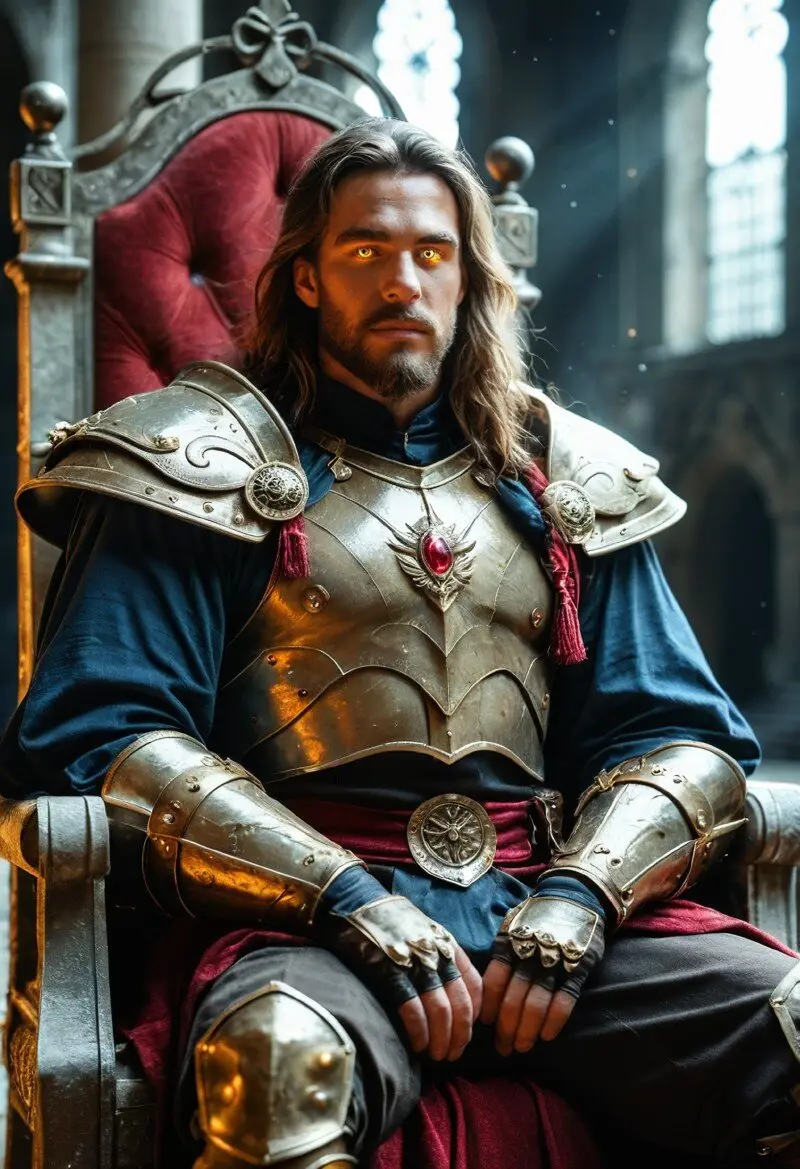
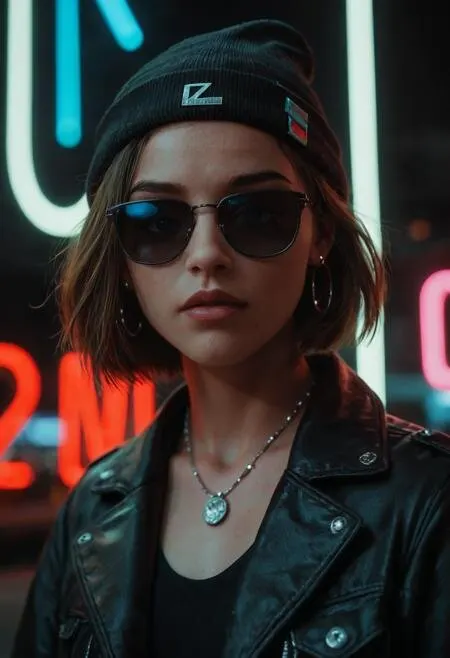
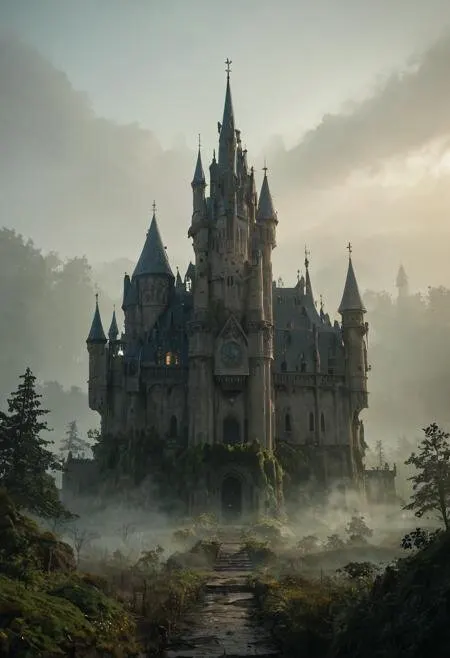
Ideas for prompting portraits, characters, scenes, product detail, and playful concepts — generate your own versions in the workspace above.


FAQ
Straight answers to the questions people ask most — how to use the generator, which models run, limits, NSFW policy, and free access.
Perchance AI Image Generator is a free, no-sign-up text-to-image website. You write a prompt in the browser workspace, pick a public model, and generate images you can download immediately. It is built for fast creative experiments without accounts, credits, or paid tiers on this site.
Open the workspace on this page. (1) Choose a model. (2) Enter a clear English or natural-language prompt describing the subject, style, lighting, and mood. (3) Set aspect ratio and optional steps or guidance when the model supports them. (4) Click generate, wait for the result, then download. If a model fails or sits in a long queue, switch to another model and try again.
Your browser sends the prompt and settings to free public model hosts. Those hosts run the selected image model and return the image to your browser for preview and download. We do not sell generation credits; capacity depends on the availability of each host.
Not one model — a multi-model workspace. Options include Z Image Turbo (default), FLUX.1 [dev], FLUX.1 [Schnell], FLUX.2 variants, Stable Diffusion 3 / 3.5, Qwen Image, realism LoRAs, and more. Popularity ordering can change; Z Image Turbo is pinned first for speed.
Yes — this site is free to use with no account and no paid Pro, Professional, or credit packs sold by us. There is no upgrade wall on perchanceaiimagegenerator.app. Performance still depends on free public hosts, which can rate-limit or go offline.
We do not assign a fixed daily quota or reset clock on this site. Limits come from each free model host: queues, temporary outages, rate limits, or cold starts. When one path is busy, switch models. That is the practical limit users hit most often in 2026.
Filters and safety rules depend on the third-party model host you use — not a single site-wide “uncensored” mode. Some hosts block adult or sensitive prompts; others are more permissive. You must follow our Terms: no illegal content, no harm to minors, and no non-consensual intimate imagery. Local laws always apply.
Acceptable use is defined in our Terms & Conditions. Hosts may still refuse prompts that violate their own policies even when our Terms allow experimentation. You are responsible for prompts and for how you use outputs (copyright, publicity rights, and prohibited content under your local law).
Use the official site at perchanceaiimagegenerator.app. The image workspace is on the homepage — no separate app install or login. Bookmark this page for the direct link in 2026 and beyond.
This product is a living multi-model workspace, not a numbered “v2/v3” generator lock-in or a third-party review blog. Model availability evolves as public hosts change. For an honest 2026 snapshot: free access, browser-only generation, multi-model switching, and host-dependent reliability — try it above rather than relying on a static review score.
No sign-up. No Pro upgrade on this site. Open the multi-model workspace, write a prompt, and download your image. If one model is busy, switch and keep going.